
Interactive demoExplore with sample content. Nothing is published.About this demo
FIND YOUR WAY INTO THE TREEHOUSE
How would you
use Monkey404?
See how small businesses, social media managers and agencies use Treehouse to prepare posts and get them checked.

Run your business.
Plan your posts.
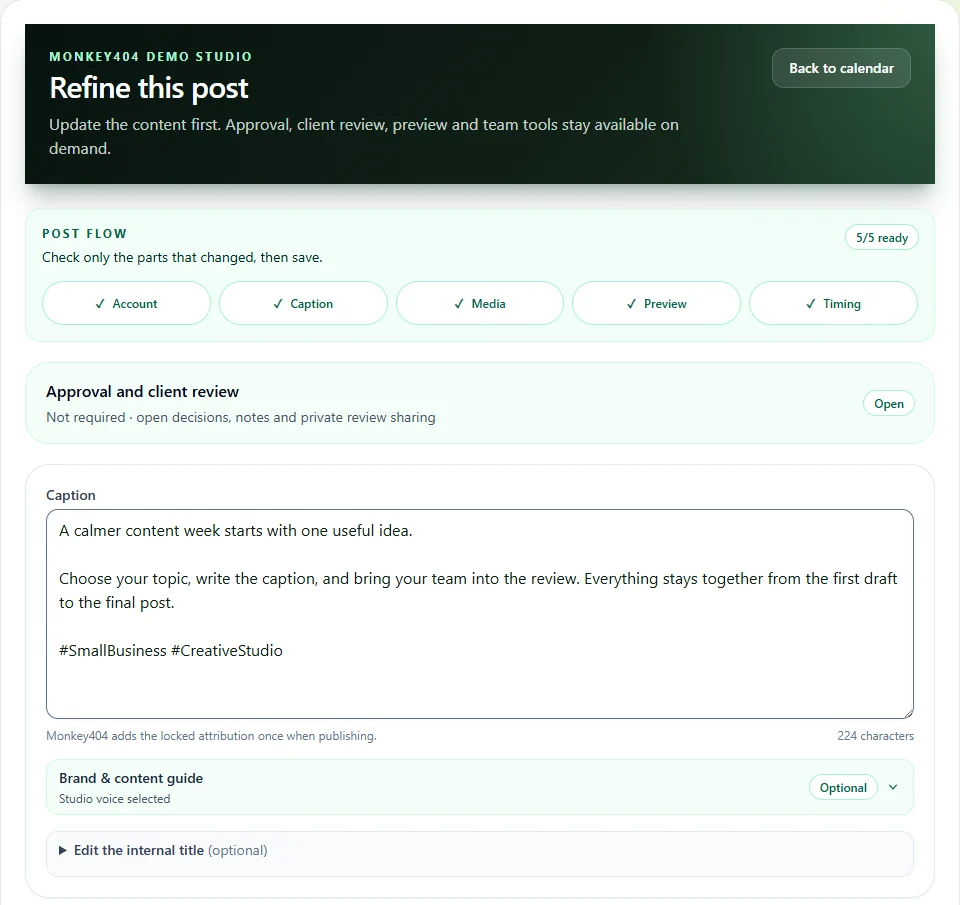
Keep next week’s captions, photos and schedule in one place, ready to work on when you have time.
Prepare posts for eligible Facebook, Instagram and LinkedIn accounts, then follow their publishing status. The demo uses sample accounts and doesn’t connect to social networks.
Plan your week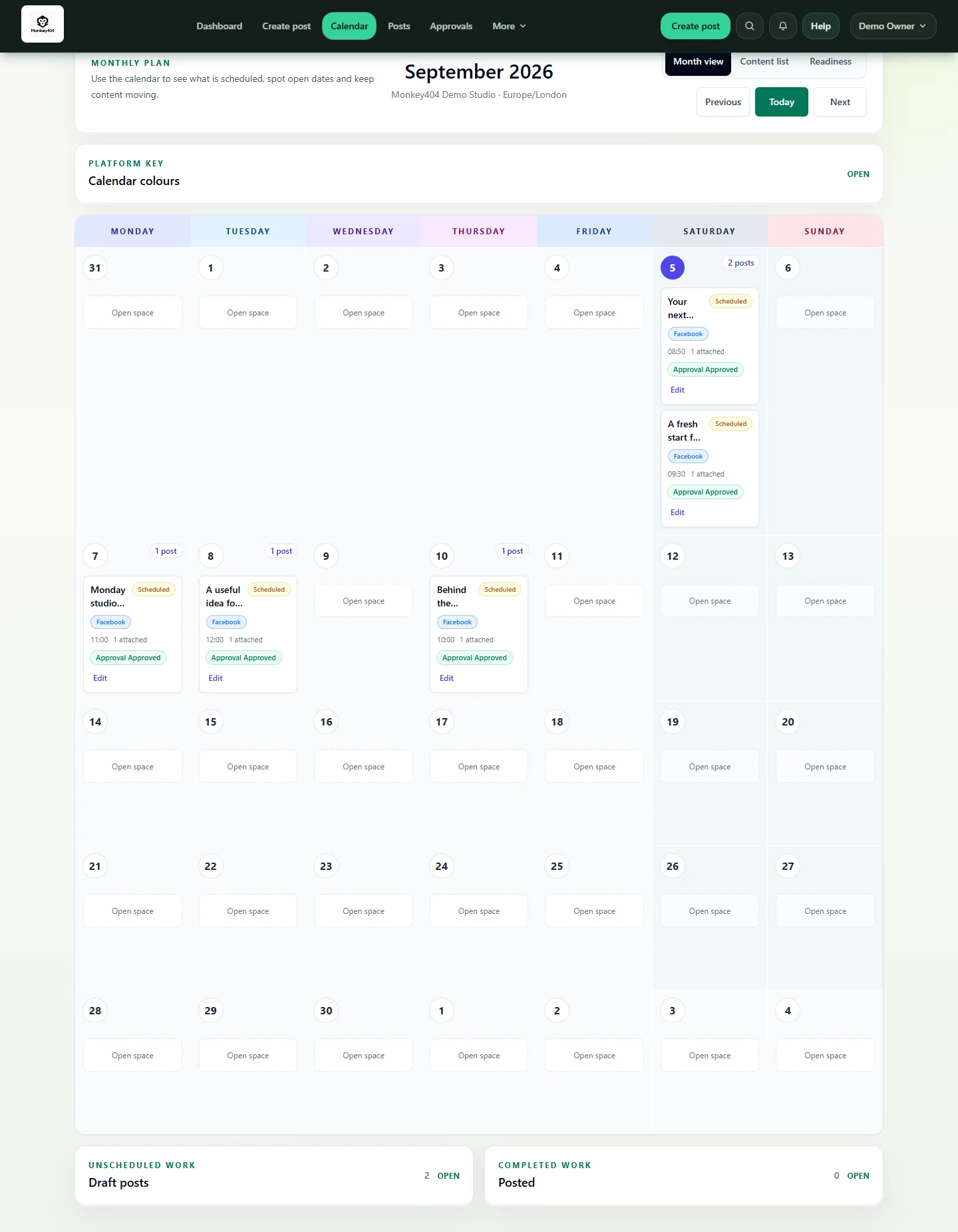
Ask clients to check
their posts.
Keep each client’s work in its own workspace. Send a review link for the exact post and bring the decision back to the content.
Your client approves or requests changes without creating an account. Your team stays in control of what happens next.
Simplify client review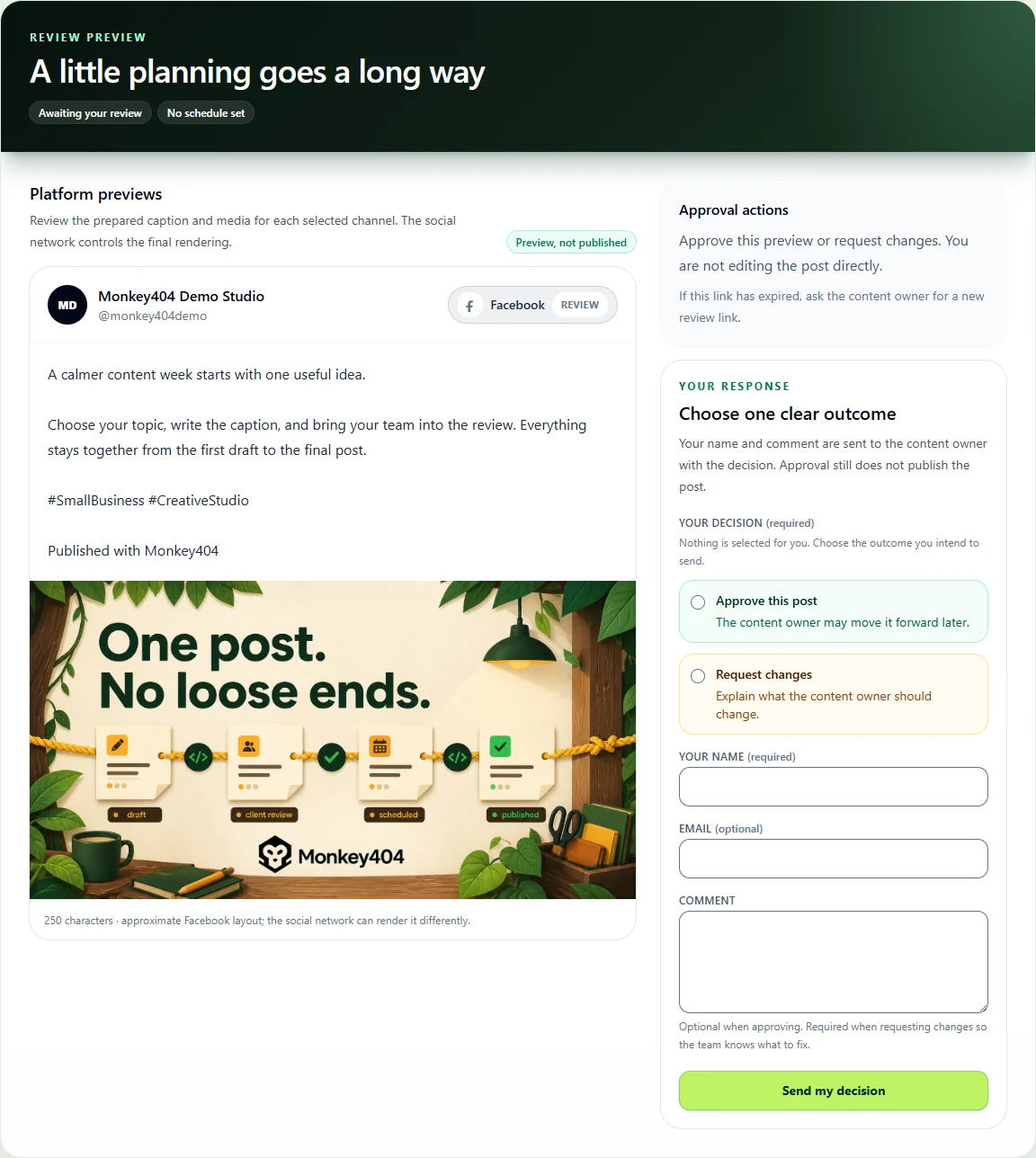
Pick up where
your teammate left off.
Find the draft, the latest feedback and the schedule in your team’s workspace. Saved writing notes and media are there when you need them.
See which posts are ready, which are waiting for feedback and which need attention after publishing.
Bring the work together