

Interactive demoExplore with sample content. Nothing is published.About this demo
CONTENT PLANNING
Content planning software.
Keep your drafts together.
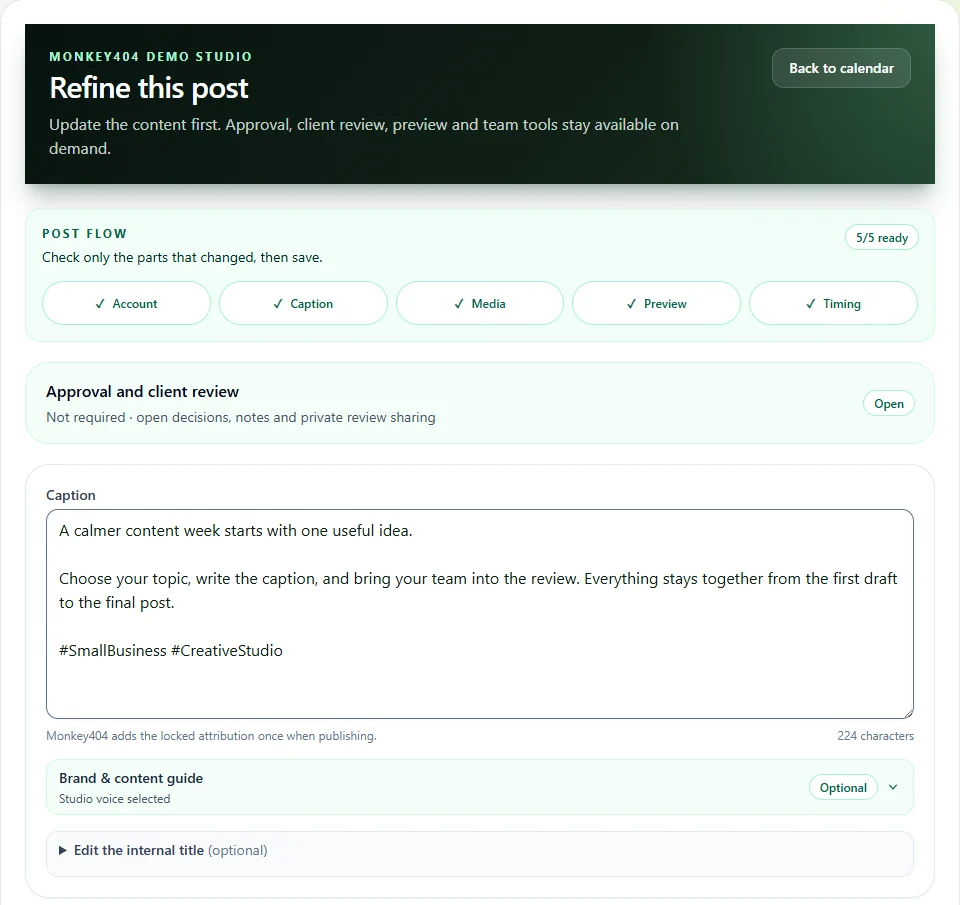
Write the caption, add your images and save the draft. Keep your brand notes and the next job to do in the same workspace.

PREPARING YOUR POST
Caption and photos.
Saved in one draft.
Bring the photo from your camera roll and the caption from your notes into one draft. You can come back to it when you’re ready to choose a date.
- You bring
- Your words, your media and the account you want to post to.
- You leave with
- A saved draft with a clear next step: keep editing, request review or choose a publishing time.
THE PRACTICAL BITS
Does it write every post for me?
Banana Studio can suggest three ideas from a brief. You edit the wording and check the facts before using it. Save your writing style and reusable snippets to help keep future posts consistent.
Can I prepare before choosing a date?
Yes. Keep the post as a draft while you collect the words and media. Scheduling is a separate decision.
What should I check before review?
Check names, dates, links, image permission and the chosen account. Give your reviewer the version you actually want them to assess.
Start with the content.
Write the caption, select your media and choose the account. Check the preview before you save the draft or send it for review.
Save your writing notes.
Save your tone, words to use and avoid, content pillars and reusable snippets. Use them as guidance while you write.
Put your plan on the calendar