

Interactive demoExplore with sample content. Nothing is published.About this demo
FROM DRAFT TO PUBLISHING RESULT
One idea.
A clear next step.
A post moves through four distinct stages. You can see what is ready, what needs a decision and what happened after scheduling.

YOUR POST HAS A JOURNEY
Four stages.
No guessing in between.
Prepare the content, get the right decision, give it a publishing time and follow the result. Every stage answers a different question.
- You bring
- Your business knowledge, a useful idea and the people who need to review it.
- You leave with
- A clearer view of what is drafted, waiting, scheduled or confirmed published.
THE PRACTICAL BITS
Who is Monkey404 for?
Small businesses, social media managers and agencies who want to keep content preparation, client review and publishing plans together.
What is available now?
You can explore planning, client review, scheduling and example publishing results. The demo uses sample Facebook and Instagram accounts; registration and live publishing are not available.
What if a post needs attention?
Check the status and the next action in your workspace. A post waiting or needing attention is not shown as confirmed published just because it was sent.
STEP 01
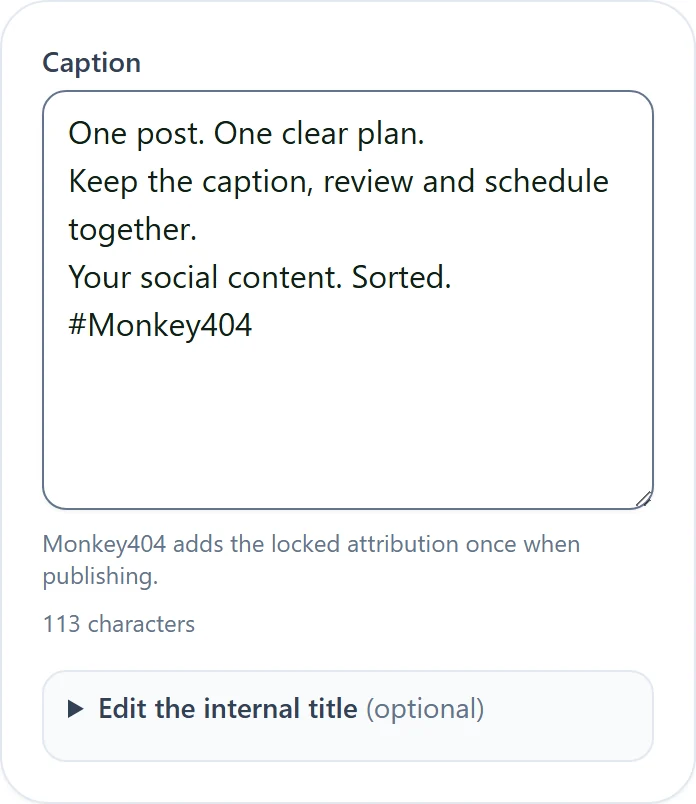
Make the draft.
Choose a connected account, write the caption and attach your media. Check the preview before you ask anyone to review it.
STEP 02
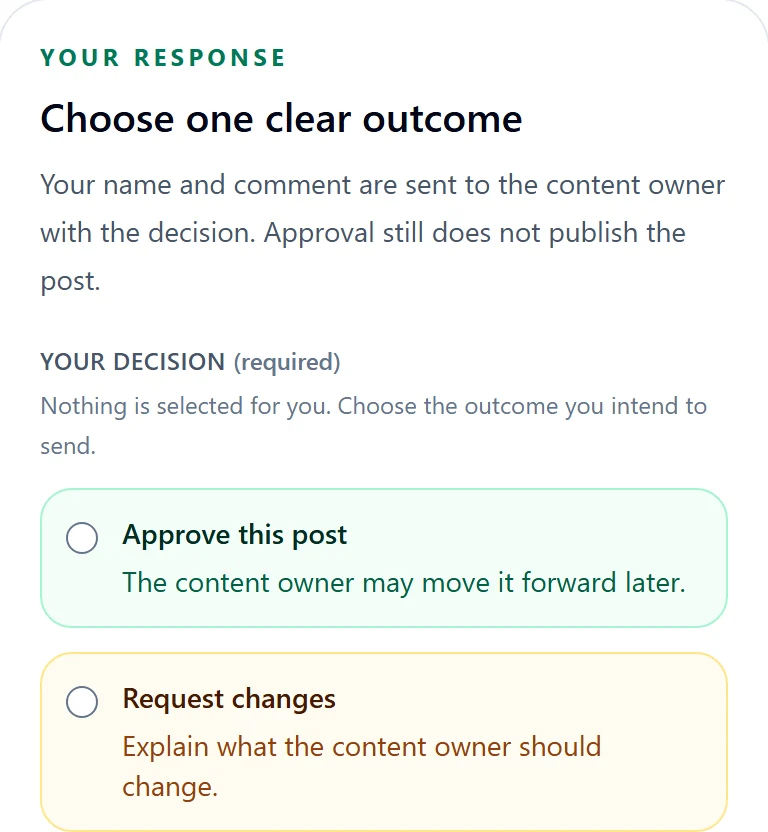
Get the right decision.
Send a client review link for that post version. Your client can approve or request changes without an account. If the content changes, ask for a fresh review.
STEP 03
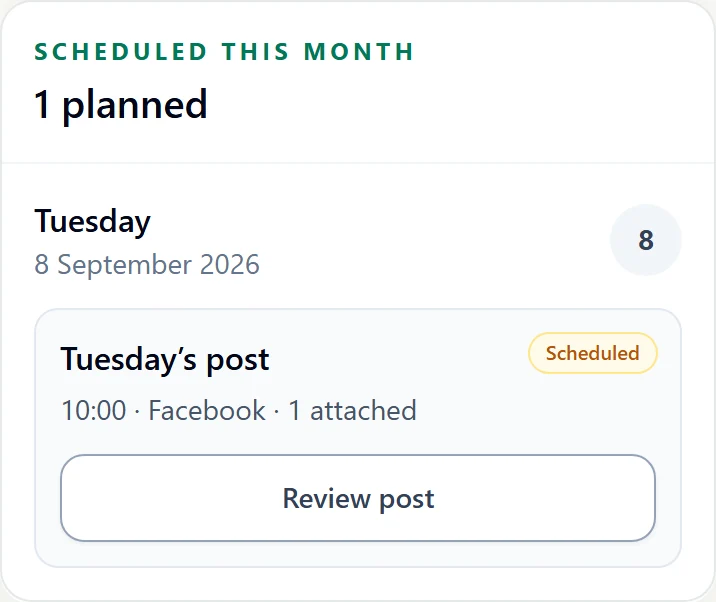
Give it a date.
Approval records a decision. Scheduling gives the post a date, time and destination. Keep both in view before you move on.
STEP 04
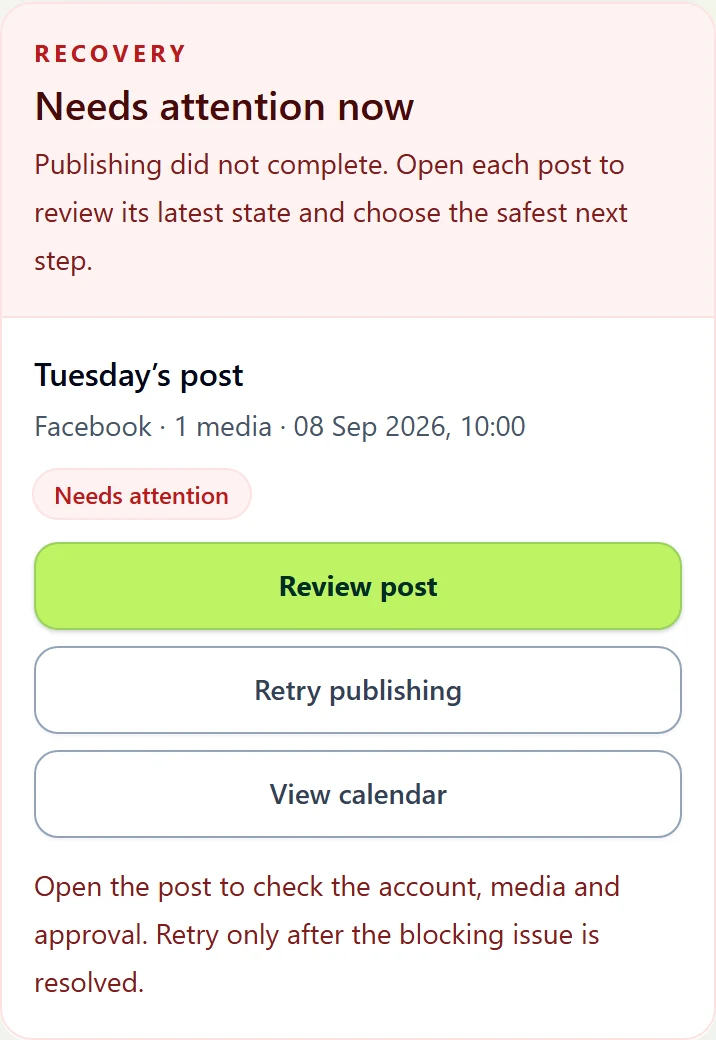
Follow the result.
Sent for publishing means the post has been handed over. Confirmed published is a separate status. If something needs attention, the next step stays visible.
- Sent: waiting for confirmation.
- Confirmed: publication has been confirmed.
- Needs attention: review the issue before retrying.
These are examples of the workflow. Local illustrations and screenshots do not publish a post.
A calmer way to get the next post out.
Choose an example that feels familiar and explore the complete workflow with sample content.