
Interactive demoExplore with sample content. Nothing is published.About this demo
YOUR PUBLISHING CALENDAR
Your social media calendar.
See what’s coming up.
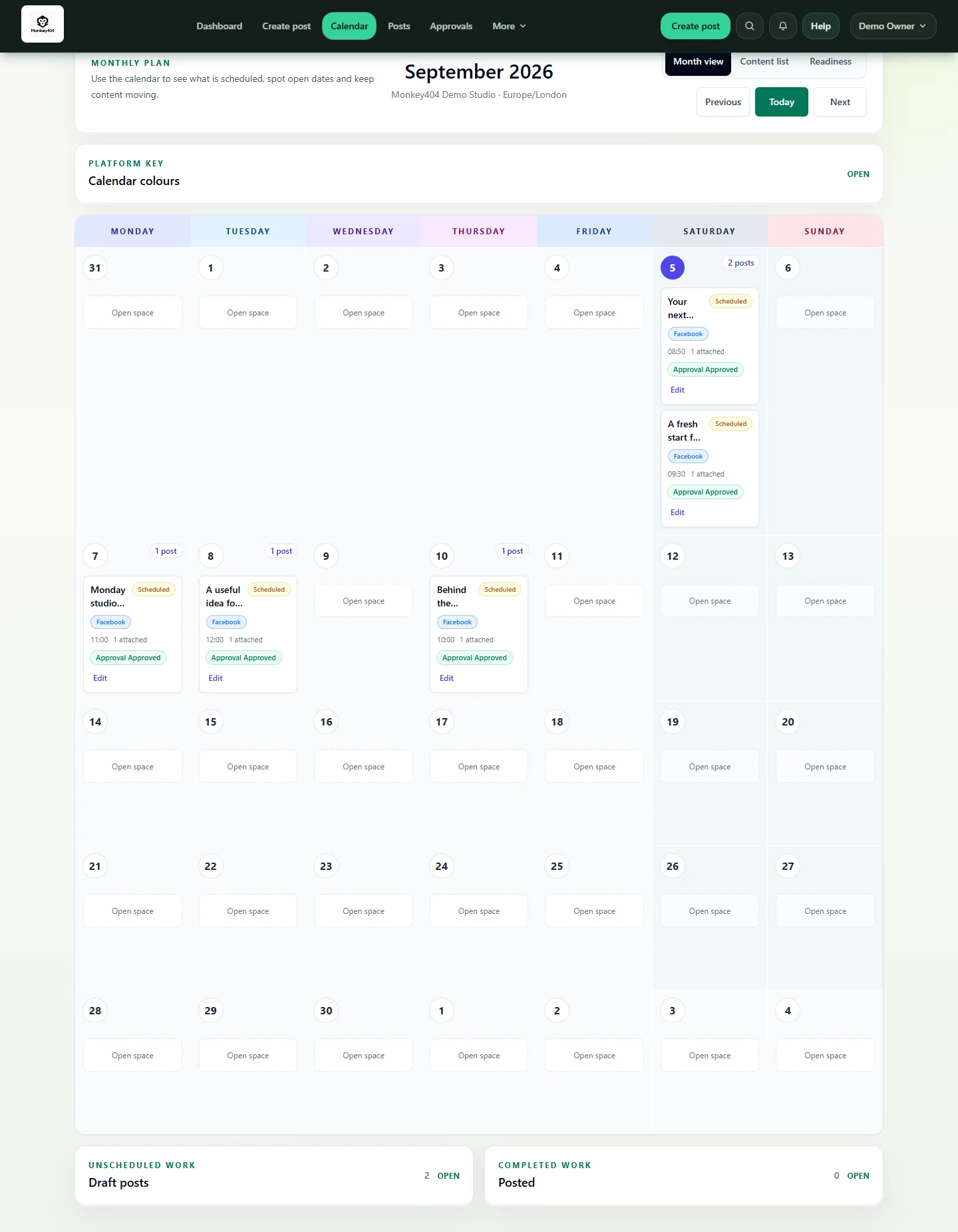
See your drafts, posts awaiting review and scheduled posts in one calendar. Publish to eligible connected Facebook, Instagram and LinkedIn accounts.

YOUR PUBLISHING WEEK
Look through your week.
Choose a publishing date.
Bring drafts, review work and scheduled posts into the same view, so you can see what is ready and what still needs your attention.
- You bring
- A prepared post, a date and time, and a connected beta channel.
- You leave with
- A calendar showing when your posts are due to go out.
THE PRACTICAL BITS
Which channels can I plan for?
Facebook Pages and eligible Instagram accounts support publishing. LinkedIn is available to every workspace with an eligible connected account. Account connections and live publishing are not available in this demo.
Is every item on the calendar ready to publish?
No. Drafts and review work have their own states. Check the post’s status rather than assuming that a place on the calendar means it is approved or published.
How do I know it actually went out?
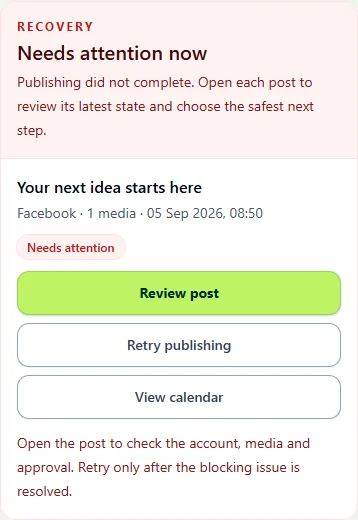
Follow the publishing result. Sent for publishing means the post is still on its way; confirmed published is a different state. If it needs attention, check the next action.
See what’s ready to schedule.
Prepare posts ahead of time and choose their publishing date and time. Keep work waiting for approval distinct from content that is ready to go.
Check the result after the scheduled time.
Open the post to check whether it published or needs attention. Facebook, Instagram and LinkedIn are available for eligible beta accounts. The demo uses sample accounts and results.
See how recovery works