

Interactive demoExplore with sample content. Nothing is published.About this demo
MONKEY404 FOR SOCIAL MEDIA MANAGERS
Get client feedback
on the post you’re working on.
Keep each client’s drafts, feedback and publishing dates together. Send a review link when a post is ready, then move on to the next client.
Interactive demo. No account needed.

THE HANDOFF
Share a review link.
Keep the feedback with the draft.
Send your client a link to the saved post. They can read the caption, see the images and approve it or leave a comment, without creating an account.
The review records a decision. Publishing is a separate step, and the client stays outside your workspace. If the content changes, a fresh review keeps the decision tied to the right version.
How client review works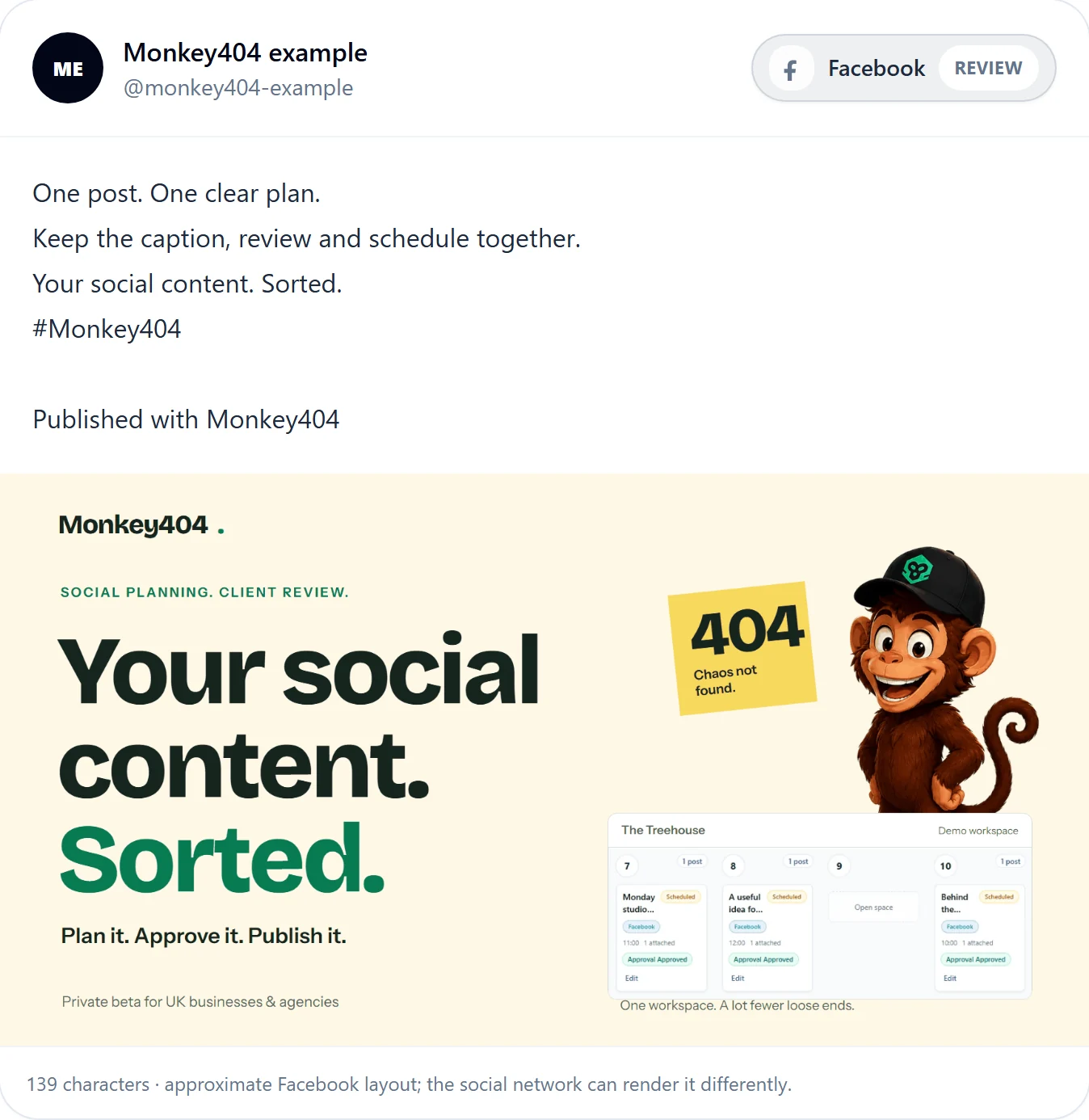
Keep the rest of the week visible.
Prepare captions and media in the composer, keep each client’s work in its own workspace, and use the calendar to see what is planned. Follow publishing status separately from approval.
Explore the productIs it a fit?
For social media managers preparing Facebook, Instagram or LinkedIn posts for clients. Account and format requirements apply; Instagram posts need an image. The demo uses sample accounts and makes no social connections.
TikTok publishing and social-performance reports aren’t available yet. Check the channel guides for current support and limits.
Try reviewing a sample client post.
Choose a business in the demo, prepare a sample post and see what your client would review.