Interactive demo Explore with sample content. Nothing is published. About this demo
Monkey404 The Treehouse THE TREEHOUSE / SOCIAL CONTENT WORKSPACE
Your next post.All together. Plan, review and schedule your social posts in one place.
Keep the caption, photos, client feedback and publishing date together. Built for small businesses, social media managers and agencies.
Interactive demo · No account or social connection needed
For Facebook Pages & Instagram
Initial channels · Sample accounts in this demo Choose your business example ↓ See the actual workspace ↓ Scroll to follow the post, or choose a step.
Pause animation Silent · repeats gently
01 / PLAN THE TREEHOUSE / M404
01 / PLAN
Get the idea out of your head. Keep the caption, photos and chosen account together in one draft. Patch is putting the pieces in place; you stay in charge of the content.
PATCH AT WORK The morning bake PATCH AT WORK A little time for yourself PATCH AT WORK The finishing touch PATCH AT WORK Ready for the client PATCH AT WORK Ready for the next lap PATCH AT WORK A plan for your next run PATCH AT WORK From the shoot to the edit PATCH AT WORK Colour, down to the details PATCH AT WORK A fresh look for your room PATCH AT WORK Your next useful post PATCH AT WORK Prepare a Facebook or Instagram post.
EXAMPLE / Harbour Café
Draft Facebook / Instagram beta
Fresh cinnamon buns this weekend. Pop in early and pick your favourite window seat.
Illustrated sample: the morning bake
The words, photo and destination stay together.
Explore content planning ↗ Next: Review ↓ 02 / REVIEW
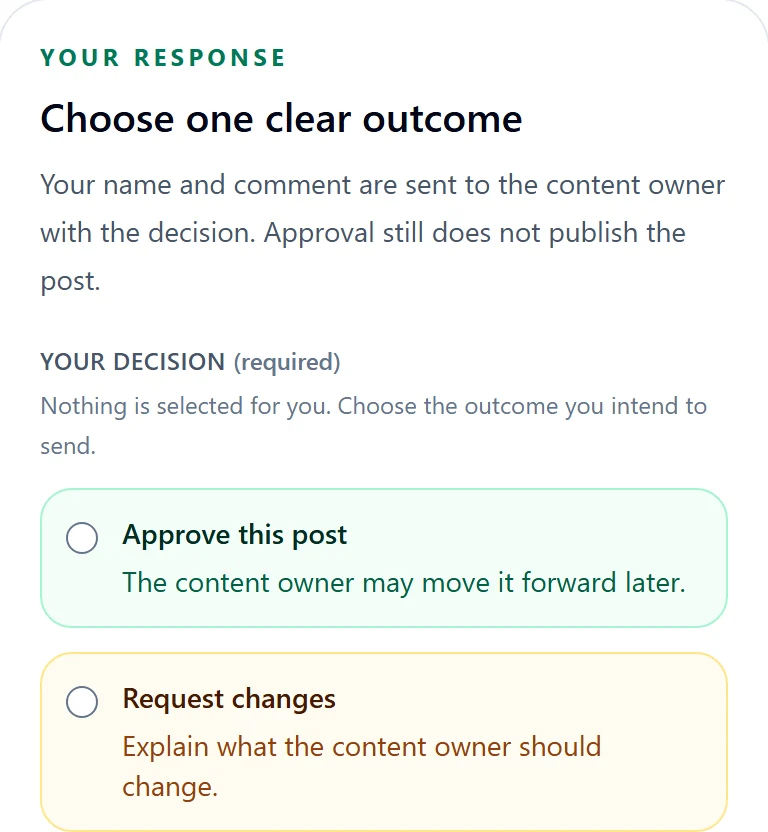
A clear yes. Or a useful change. Share a review link so your client can approve the post version or ask for changes. They can review without creating an account.
PATCH AT WORK Review the details PATCH AT WORK Review the details PATCH AT WORK Review the details PATCH AT WORK Review the details PATCH AT WORK Approval is a decision, not a publishing action.
EXAMPLE / Harbour Café
Client review Facebook / Instagram beta
Fresh cinnamon buns this weekend. Pop in early and pick your favourite window seat.
Please say when Saturday’s buns will be ready.
The client reviews a specific version. Changes can be requested before approval.
See client review ↗ Next: Schedule ↓ 03 / SCHEDULE
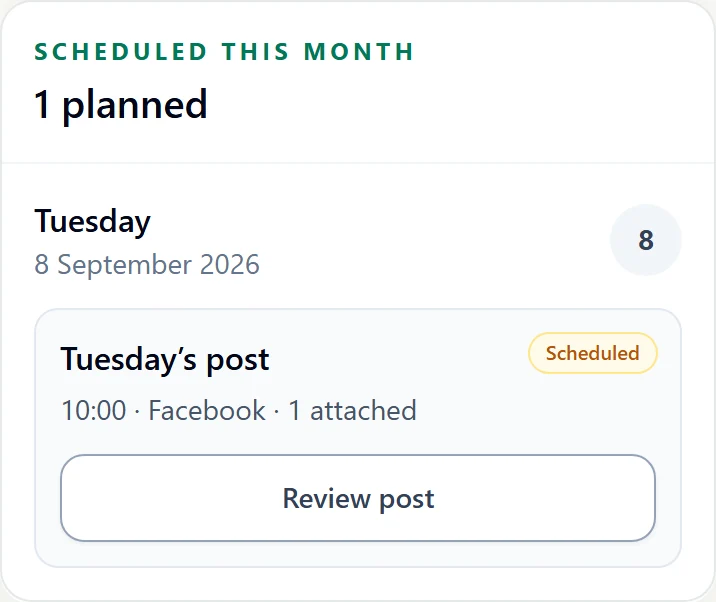
Give good content a place in the week. Choose a date, time and connected beta channel. See the plan on your calendar, with drafts and review work alongside it.
PATCH AT WORK Give it a date PATCH AT WORK Give it a date PATCH AT WORK Give it a date PATCH AT WORK Give it a date PATCH AT WORK Facebook and Instagram are shown with sample accounts in this demo.
EXAMPLE / Harbour Café
Scheduled Facebook / Instagram beta
Fresh cinnamon buns, out of the oven from 9 on Saturday. Pop in early and pick your favourite window seat.
Saturday’s bake time checked. This version is approved. Friday · 4:00 pm · Facebook Page
An approved version gets its own publishing time.
Explore the calendar ↗ Next: Check ↓ 04 / CHECK
Follow the post all the way through. See whether a post is waiting, sent for publishing, confirmed published or needs attention. Patch checks the result — and the workspace helps you do the same.
PATCH AT WORK Check the result PATCH AT WORK Check the result PATCH AT WORK Check the result PATCH AT WORK Check the result PATCH AT WORK Sent for publishing and confirmed published are different states.
EXAMPLE / Harbour Café
Confirmed published Facebook / Instagram beta
Fresh cinnamon buns, out of the oven from 9 on Saturday. Pop in early and pick your favourite window seat.
Published · Saturday’s bake is in the feed.
A confirmed result is different from a post still waiting to publish.
Follow the full workflow ↗
Your content. Your decisions. A clearer next step.Try the demo ↗
THE TREEHOUSE / FROM THE INSIDE
Meet your everydayworkspace. Your team prepares the posts. Your clients give feedback. The Treehouse keeps the caption, media, decisions and schedule together. Choose a screen to look around.
01 Your workspace + FOR YOU & YOUR TEAM
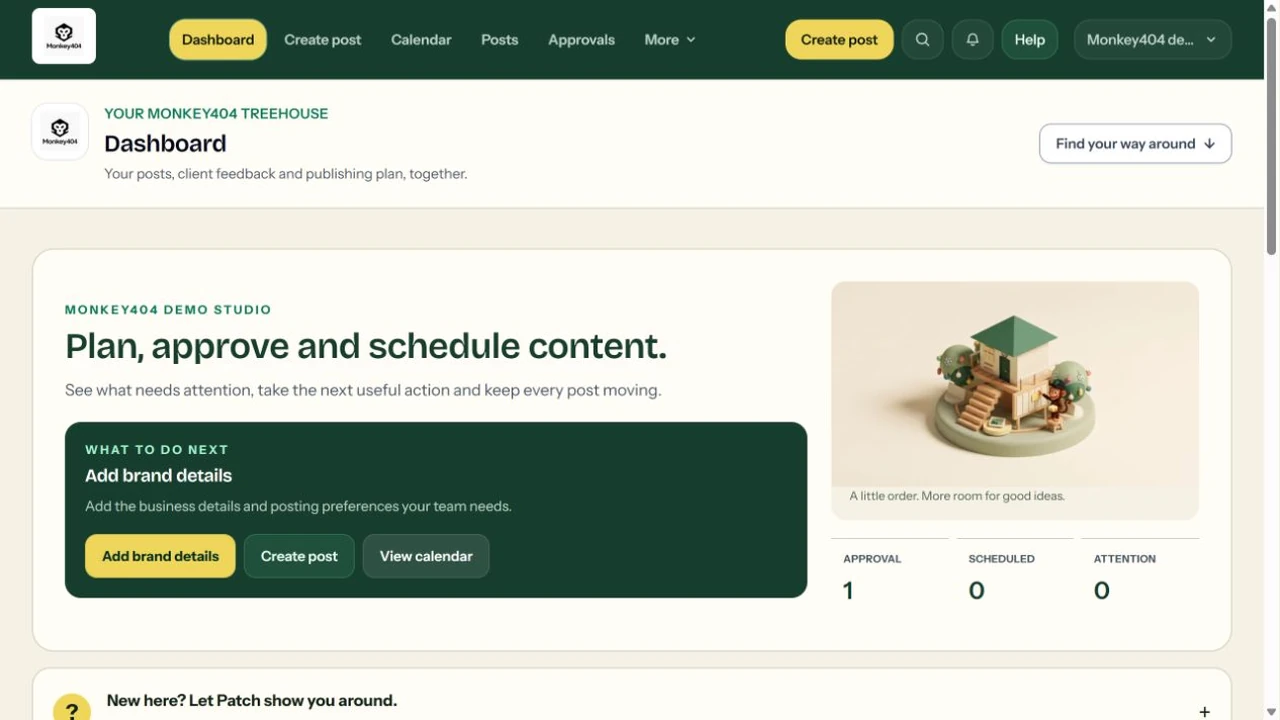
Know what needs you. The Treehouse is your working space inside Monkey404. See drafts, approvals and scheduled posts, then follow the next action for your workspace.
New to the tools? Patch’s guide shows where each step belongs. Your real posts and publishing status stay in view.
Explore the Treehouse ↗ ACTUAL INTERFACE · EXAMPLE CONTENT
Example workspace; dates shown are illustrative. Select the image for a closer look.
02 Your post editor + FOR THE PERSON CREATING THE POST
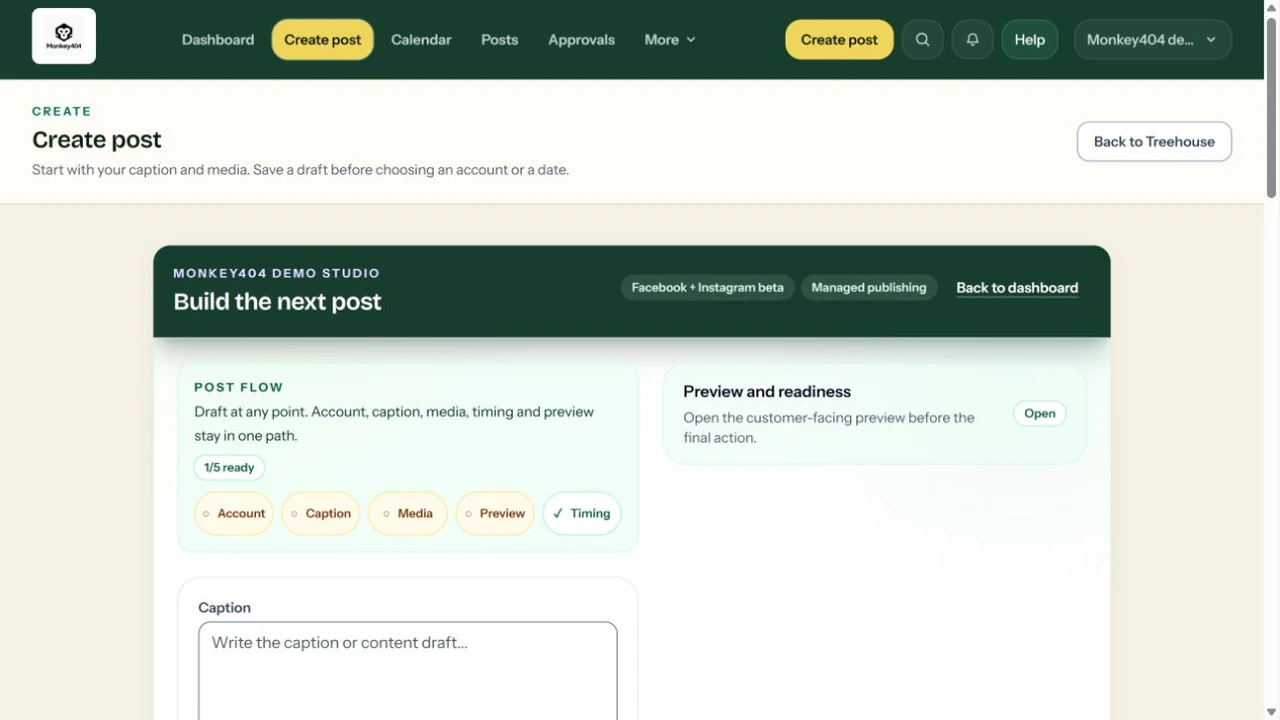
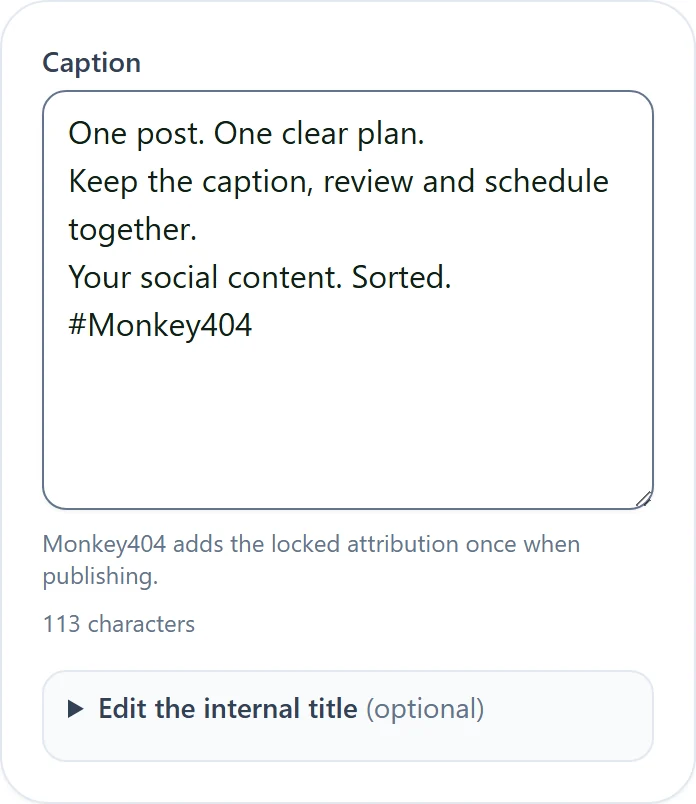
Bring the post together. Write the caption, add your media and check the preview in one place. Save a draft while you work, then request a review or choose a publishing date.
A saved draft stays a draft. Facebook Pages and eligible Instagram accounts are the initial beta channels; this demo uses sample accounts without connecting them.
See how planning works ↗ ACTUAL INTERFACE · EXAMPLE CONTENT
Example workspace; dates shown are illustrative. Select the image for a closer look.
03 Your client’s review + FOR THE PERSON GIVING THE GO-AHEAD
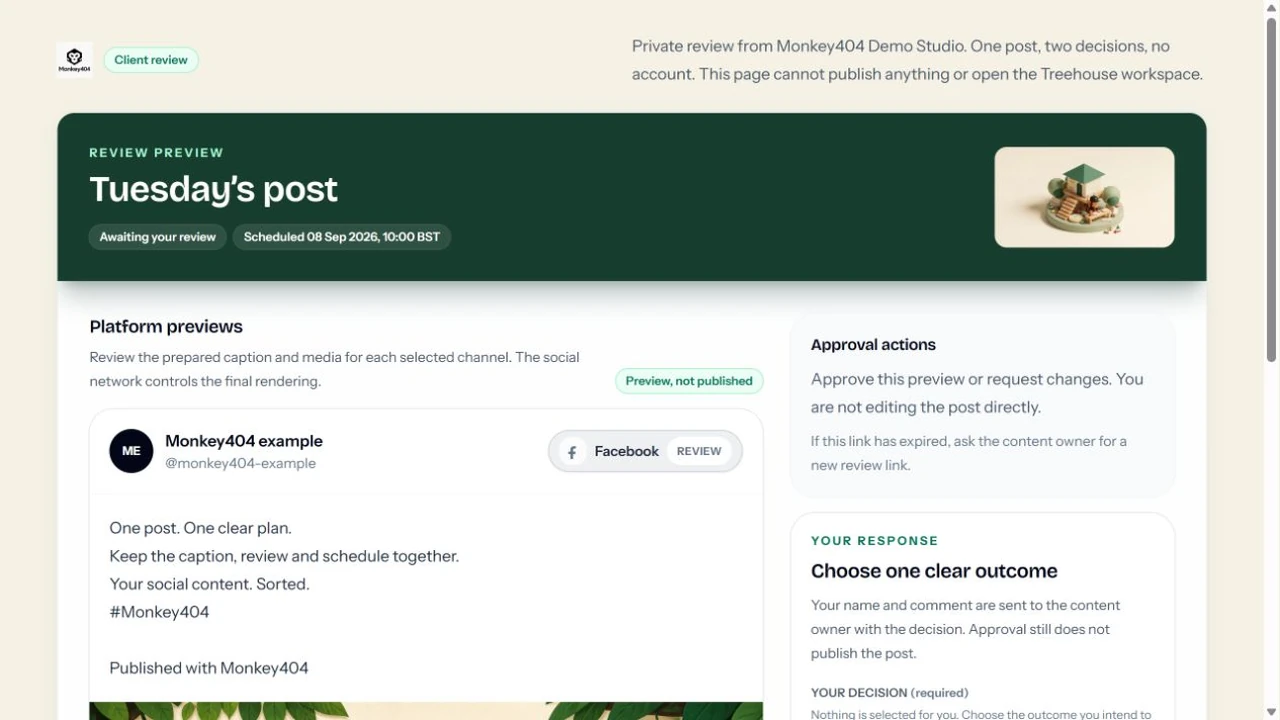
A clear yes. Without another login. Your client opens a private link to one post version. They can approve it or ask for changes, with feedback attached to the review.
The link does not open your workspace. Approval records a decision; it does not publish the post. You keep control of the next step.
Explore client review ↗ ACTUAL INTERFACE · EXAMPLE CONTENT
Example workspace; dates shown are illustrative. Select the image for a closer look. 01 / PREPARE
Give every idea Bring a caption and media into one draft. Check the post preview and choose the connected account it belongs to.
Keep media attached to the post. Add meaningful alternative text. See the destination before moving forward. Actual Treehouse interface · example content 02 / REVIEW
A client’s yes, Send a link for your client to review a specific post version. They can approve or request changes without creating an account.
One decision on the version they saw. Feedback stays with the content. Approval is separate from scheduling. Actual Treehouse interface · example content 03 / SCHEDULE
See the plan. Give approved work a date and a place on the calendar. Facebook Pages and eligible Instagram accounts are the initial beta channels.
See saved dates and post status together. The demo does not provide live publishing access. Follow each post after it is sent for publishing. Actual Treehouse interface · example content A calmer way to get the next post out. Choose an example that feels familiar and explore the complete workflow with sample content.
Try the demo ↗