
Interactive demoExplore with sample content. Nothing is published.About this demo
POST REVISIONS AND APPROVAL
Get your post checked
before it goes out.
Keep track of the changes between a first draft and an approved post. A client’s decision belongs to the version they saw, so revisions need a fresh check before publishing.

CLIENT FEEDBACK
Send your draft.
Ask for a review.
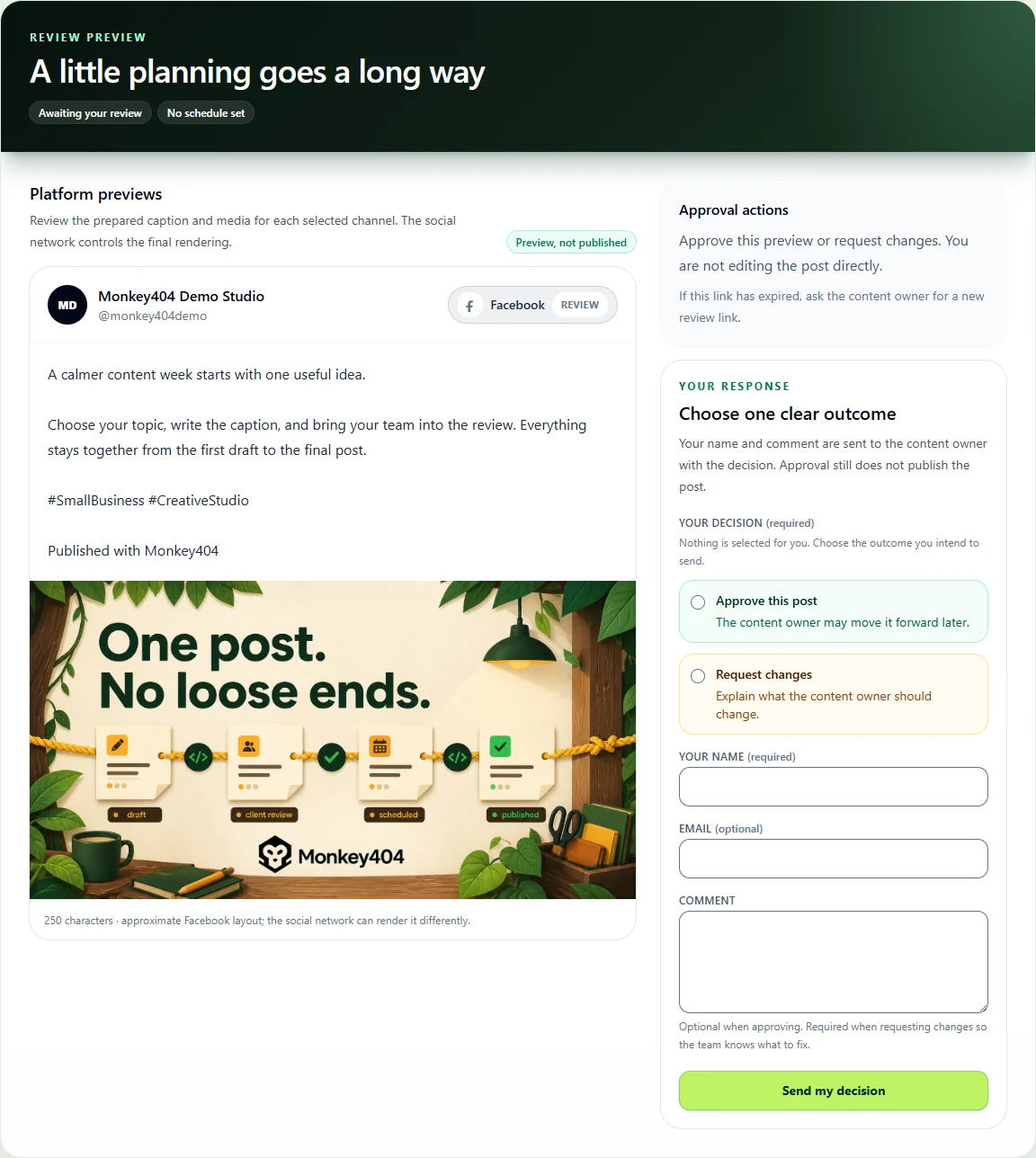
Give your client the caption and media in one review link. They can approve that version or tell you what needs changing.
- You bring
- A draft post and someone to check it.
- You leave with
- An approved version or a comment explaining what to change.
THE PRACTICAL BITS
Does my client need an account?
No. The client review link lets them review without creating a Monkey404 account.
What happens when they ask for a change?
Use their comment to update the post, then ask for a fresh review when needed. The decision should match the version you intend to publish.
Does approval publish the post?
No. Approval records a decision. Choosing a publishing time or sending the post for publishing is a separate action.
Choose the version to send.
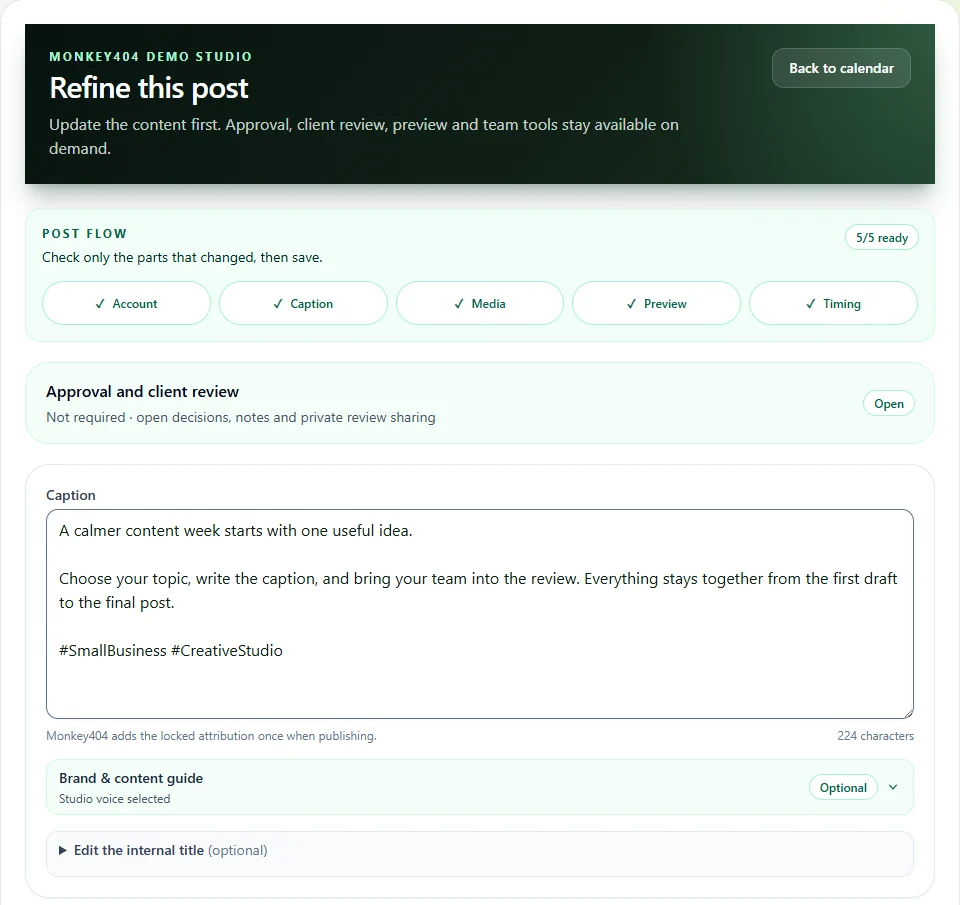
Write the caption, select the media and check the destination. Send the saved version for review, so the decision is about the content you actually plan to publish.
Approve or request changes.
Your client opens the review link, approves the post or leaves a comment asking for changes. Make the edits and send the new version for review when needed.
Plan what happens next